
Browse by Popular

Domain Name
- What is a domain name?Eligibility criteria for registering .AU domain namesPremium domain names explained

Web Hosting
View All
Email Hosting
- Outlook 365 (Classic) Email Setup GuideMail app setup for iOS (iPhone + iPad)Gmail (webmail) email setup

Google Workspace
- Getting Started with Google WorkspaceGoogle Workspace support resourcesTransferring an existing Google Workspace service to VentraIP

Account
- How do I reset my VIPcontrol password?How do I create a VentraIP account?How can I see who accessed my VentraIP account?

Troubleshooting
- How do I clear my browser cache?Troubleshooting a ‘500 internal server' errorTroubleshooting with a ping test
Using the AI Site Builder for WordPress
AI Website Builder for WordPress Hosting Services
With new WordPress Hosting services, you’re able to utilise AI to quickly build a website, generate content and more.
This utilises the WordPress plugin Extendify which is available to install when setting up a new hosting service.
Setting up a WordPress website using the AI builder
- Log in to VIPcontrol
- Navigate to My Services → Websites & Hosting → Web Hosting
- Click ‘Manage’ next to your new hosting service, then click the ‘Setup’ button at the top.
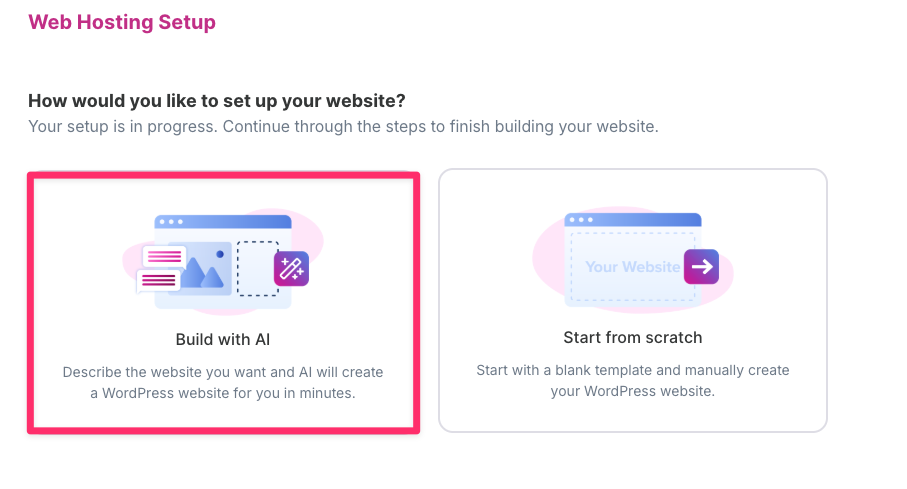
- Follow the setup steps until you’re greeted with “How would you like to setup your website?”. Select Build with AI
- After the setup finishes installing WordPress, click Continue.
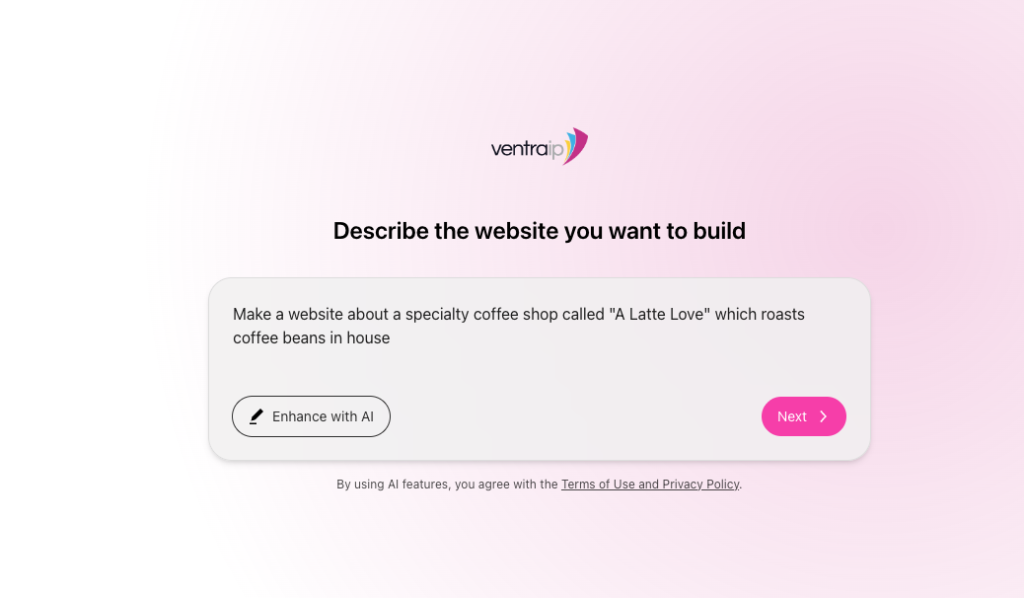
- You will presented with a prompt where you can describe what type of website that you would like to build. Click Next once you have refined your ideal website.
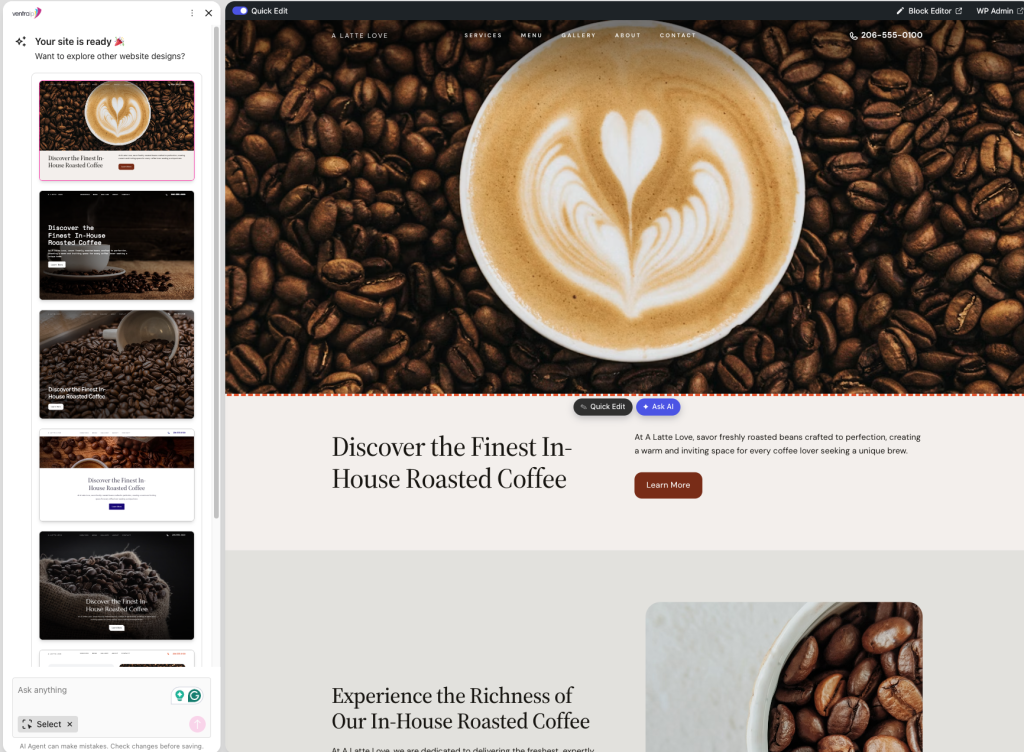
- The AI builder will then generate your website, you’ll be taken to the editor which you’re able to quickly edit the look and feel of the website.
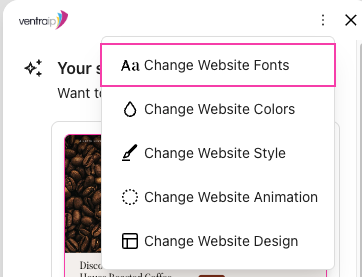
 You can click the three dots at the top to change:
- Fonts
- Colours
- Stying
- Animations
- Design
- From there, you’ll be able to login straight into the WordPress Dashboard.
Site Assistant & AI agent
The AI website builder comes with an guided assistant which can help you navigate, and refine your website. To access it, login to the WordPress Dashboard and click on Site Assistant at the top of the page.
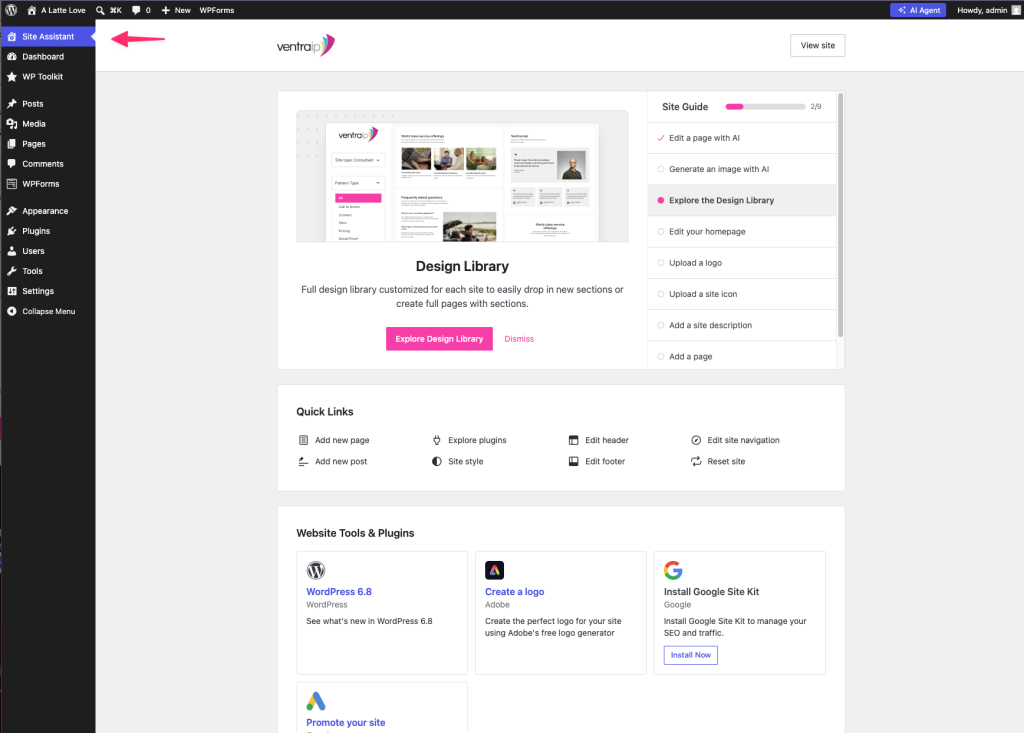
From there, it will suggest a couple of steps that you can take or actions that you might want to do to further flesh out your website.
You can access the AI agent at any time by clicking the “AI Agent” button on the top right. You can ask it anything to help you with either navigating WordPress or performing certain tasks, generating content and more.
Creating and editing content
With the AI builder, you will have access to:
- AI Page generator: Describe the page you would like to build and AI generates a page based on your description.
- Image Generator: Use AI to generate images based on your description.
- Design Library: You can pick and choose from different website designs that suit the style of your site, which is categorised based on type (e.g., About pages, blogs, stores)
- Editing tools: Use AI to generate content, fix any grammar issues, make content shorter or longer and much more.
To access these tools, you can either create a page or edit an existing page.:
- In the Site Assistant section of the WordPress Dashboard, click ‘Add new page’ under Quick Links

- The page editor will appear:
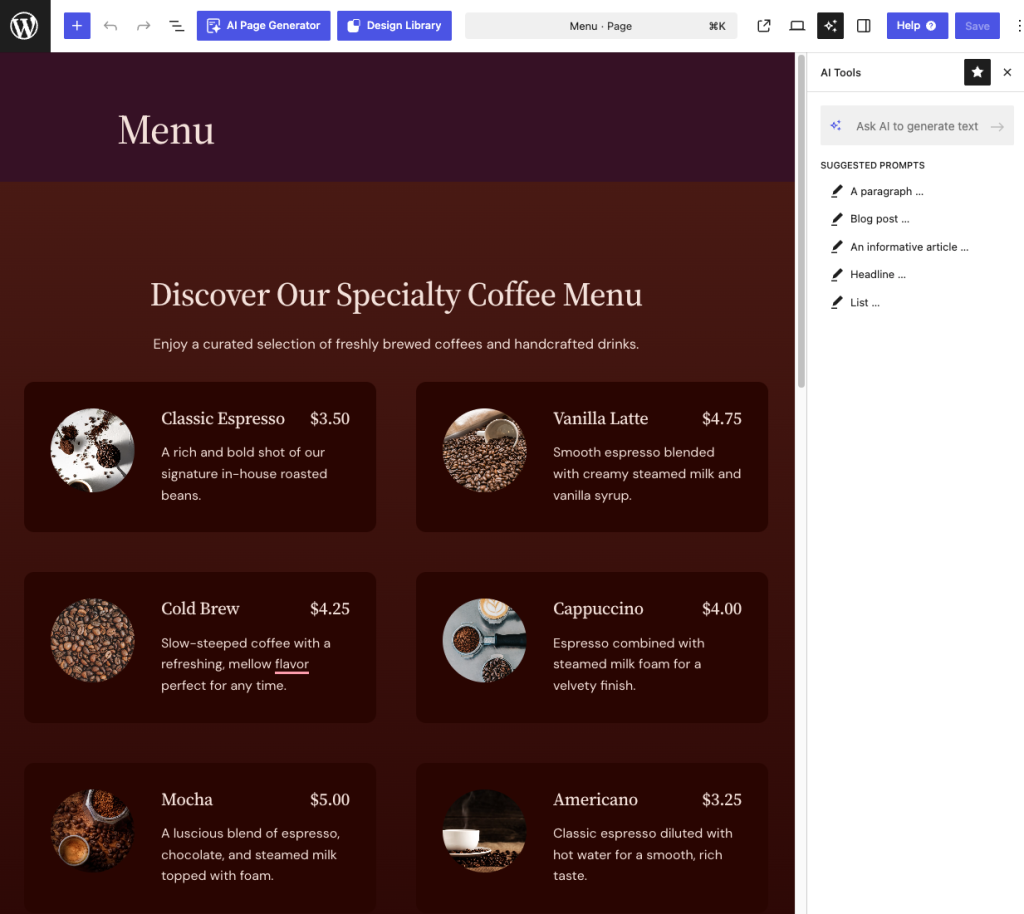
- To generate page content, click AI Page Generator
You can then enter a description of the type of page that you would like, then click Generate Page.

- To access the design library, click Design Library
 You can then sort via Design type and pick a design from the available options.
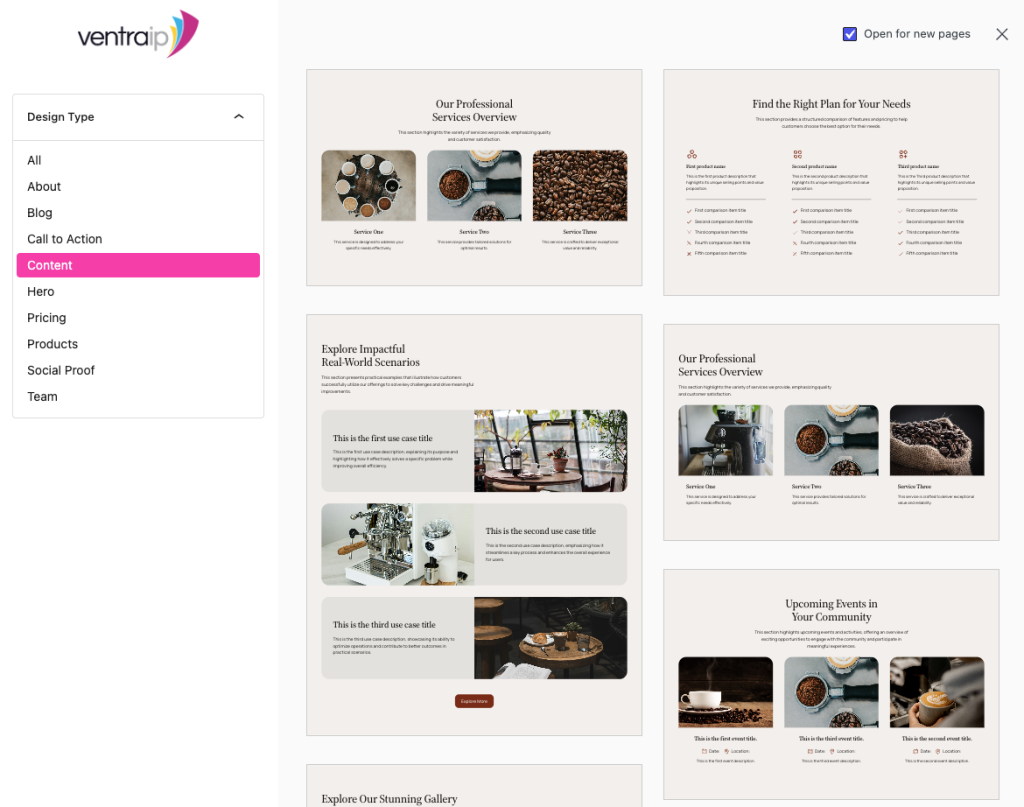
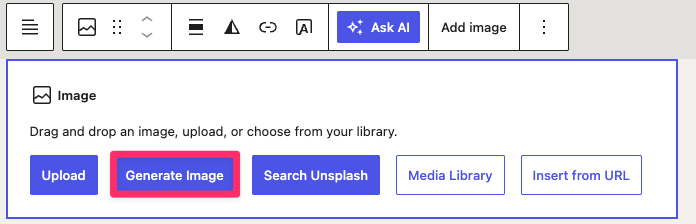
- To access the image generator, in the content editor type
/then click Image: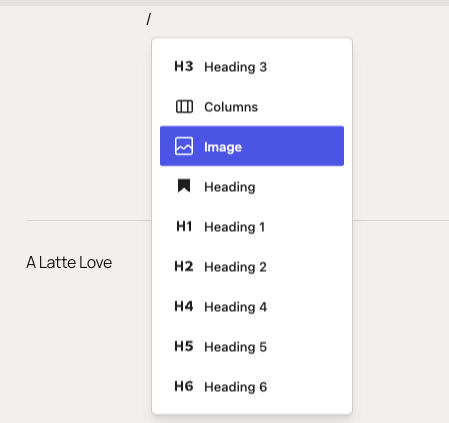 A sidebar on the right will appear, click Generate an image and enter a description for the image and then click Generate Image.
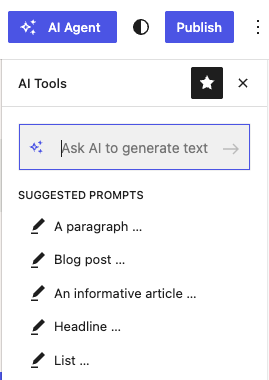
- To use the AI editing/content tools, on the page you would like to edit. Select the text that you would like to edit. In the AI tools sidebar, you can click an option, or enter in a prompt to generate text.
- To generate page content, click AI Page Generator
You can then enter a description of the type of page that you would like, then click Generate Page.
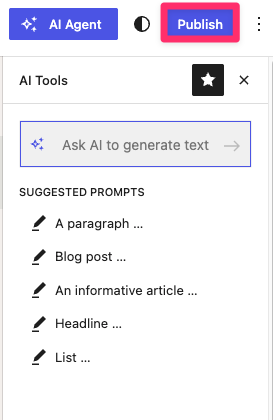
- When you are ready to publish the page, click Publish on the top right.
Frequently asked questions
What is the AI builder using?
The AI site builder you see uses Extendify under the hood. Extendify is a WordPress plugin that adds Agentic AI to your WordPress website and allows you to create websites and management.
What else can the AI builder do?
For a full list of capabilities, check out Extendify’s FAQ page here.
Does the AI site builder use any external plugins to build a website?
The AI site builder uses just core WordPress functionality to create websites to ensure that the website is as fast and responsive as possible. It has some integrations with other plugins for extended functionality which you can see here.
Does this mean that VentraIP is offering website support?
No. VentraIP is only offering the plugin as an option to get online quicker, Any web development related issues or requests isn’t something that is within our scope of support. We recommend to consult with a developer if you had any website issues or requests.
